
How to Automate Appointment Booking for Trades
· 6 min read
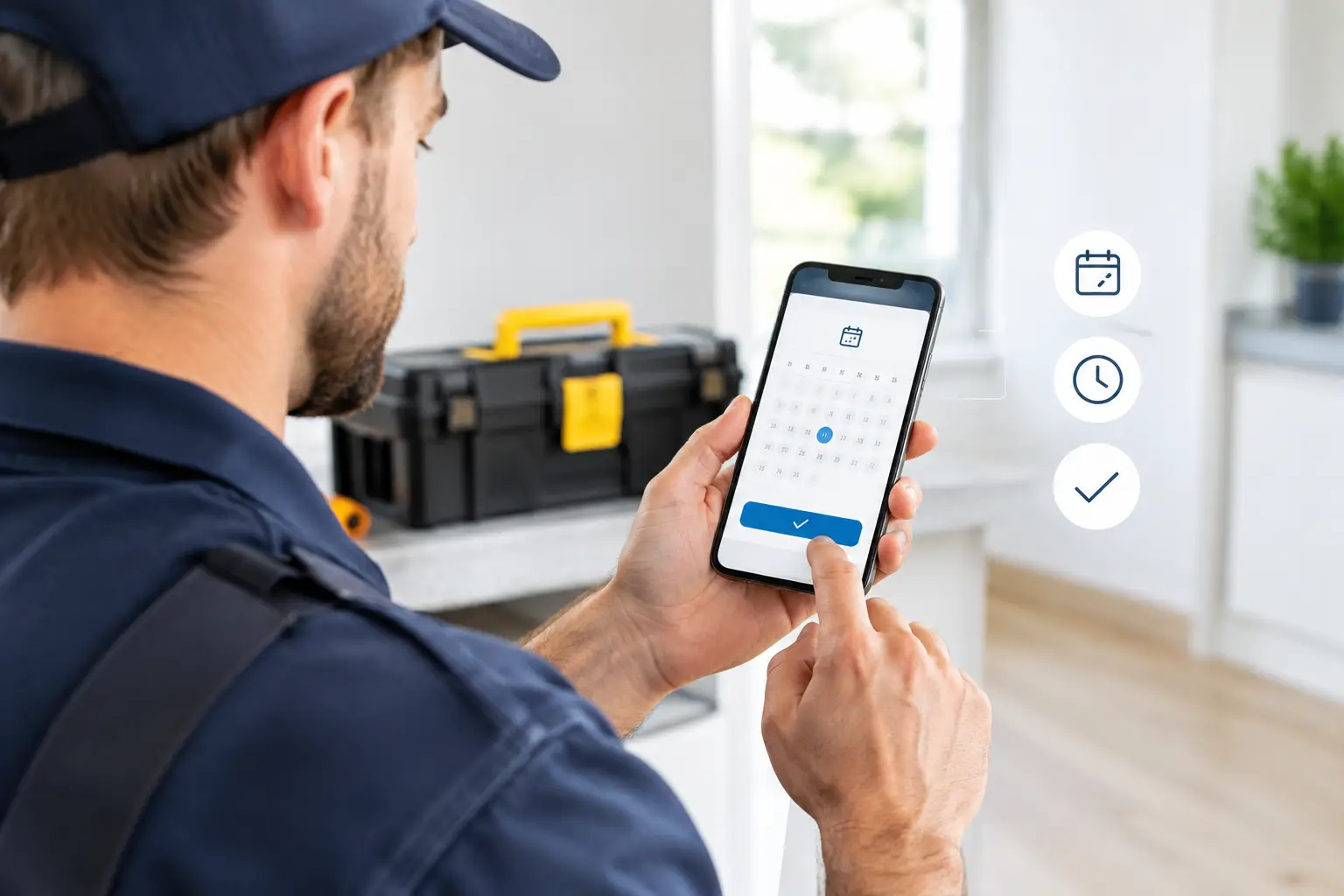
A call comes in while you are under a sink, on a roof, or driving between jobs. The caller needs help, but they will not wait through voicemail to get it. Learning how to automate appointment booking gives your business a way to answer, qualify, schedule, and follow up while your team stays focused on the work already in front of them.
For a field-service business, appointment automation is not about adding another complicated system. It is about making sure every inbound call has a clear next step. A standard service call gets a time on the calendar. An urgent call gets routed to the right person. A missed call gets a fast text back before the customer calls the next company on the search results page.
Start With the Calls You Miss Today
Before choosing settings or writing scripts, look at what happens when your advertised business number rings. Most small service companies have a predictable gap: calls are handled well when someone is available, then disappear into voicemail during jobs, after hours, weekends, lunch, and sudden call spikes.
Those gaps are expensive because callers with an active problem tend to contact more than one company. A homeowner with no heat, a burst pipe, a leaking water heater, or a garage door that will not open is usually looking for the first business that responds clearly and quickly. If nobody answers, your marketing spend may have generated the call, but another company gets the job.
Map the call types your office receives. You do not need a complicated spreadsheet. Separate them into routine appointment requests, urgent situations, existing-customer questions, and calls that should be declined or redirected. This becomes the foundation for the booking rules your automated front desk will follow.
How to Automate Appointment Booking Without Losing Control
The best setup keeps your existing business number at the center. Customers should keep calling the same number printed on your truck, website, yard signs, and Google Business Profile. Your carrier relationship and brand identity stay intact. Call forwarding simply sends those calls to an automated receptionist that can answer around the clock.
For most service businesses, implementation should be straightforward: forward your existing number, connect the calendar your team already uses, and define how calls should be handled. There is no need for new hardware, number porting, or a separate app for technicians just to receive a booked job.
Automation works when it handles repeatable decisions and gives you control over the exceptions. It should not blindly place every caller into the next open slot. A useful system gathers the details your dispatcher would need, checks the right availability, and recognizes when a situation needs immediate escalation instead of an appointment.
Build a call flow that matches the way you dispatch
Your call flow should sound like a capable front desk, not a phone tree. Start by identifying the business, asking how the caller can be helped, and collecting the information needed to act. For a plumbing business, that may include the service address, the nature of the issue, whether water is actively leaking, and the caller's preferred contact number.
Then set the decision rules. Routine work can be offered available appointment windows. A no-heat call during winter, active flooding, a locked-out driver, or a storm-related roofing emergency may need a different path. The automated receptionist should alert the owner or on-call technician immediately, with the details already captured.
Keep the questions focused. Every extra question creates friction, especially for a customer calling from a stressful situation. Ask only what your team needs to decide whether to book, escalate, or follow up.
Connect live availability, not a static schedule
Appointment automation only helps if the schedule is accurate. Connect the system to the calendar that reflects technician availability, business hours, and blocked time. If the next opening is Tuesday morning, the caller should not be promised Monday afternoon because an old spreadsheet was never updated.
Decide how much of your calendar customers can book directly. A one-truck operation may offer broad arrival windows and reserve emergency capacity. A larger team may assign calls by service area, job type, or technician skill. There is no single right model. The point is to set rules that protect the schedule you can actually fulfill.
Leave room for real field conditions. Jobs run long. Traffic happens. A repair may reveal a bigger problem than expected. Booking rules should include buffers where they make sense, rather than packing every hour so tightly that one delayed job throws off the entire day.
Capture the Details That Turn a Call Into a Job
A calendar slot without call details creates more work later. Your booking workflow should record the caller's name, callback number, address, service need, preferred appointment time, and any urgency signals. Those details let a technician arrive prepared and let the office follow up if plans change.
For urgent calls, context matters even more. An on-call alert that says only “new lead” forces someone to call back and start over. An alert with the caller's name, address, issue, and urgency lets the right person make a fast decision.
Nexara is built around this operational handoff: it answers calls, captures lead information, books directly on live calendars, and escalates urgent situations using the workflow you define. Searchable call transcripts also give owners and dispatchers a record of what the customer said, which is useful when a busy day produces dozens of conversations.
Confirm the Booking Before the Caller Moves On
The booking is not finished when the calendar event is created. Confirm the date, arrival window, address, and callback number during the call. Then send a text confirmation immediately. This reassures the customer that their request was received and reduces the chance they keep calling other companies.
A short confirmation text should be practical: identify your business, repeat the appointment window, and make it easy for the customer to reply if something changes. Follow-up reminders can reduce no-shows for scheduled estimates and non-emergency work.
Missed-call rescue belongs in the same workflow. If a call cannot be fully handled for any reason, send a quick text that acknowledges the customer and asks how you can help. Speed matters here. A reply sent minutes later has a far better chance of saving the lead than a callback made after the crew finishes the day.
Test the System Like a Customer Would
Do not assume the automation is ready because the calendar connection works. Call your own business number during business hours, after hours, and on a weekend. Try a normal booking request, an emergency scenario, a Spanish-language conversation if your market needs it, and a request outside your service area.
Listen for the details that affect trust. Does the greeting use your business name? Are appointment windows stated clearly? Does the system know when to alert someone? Is the confirmation text accurate? A two-second answer is valuable, but only if the next steps are correct.
Review transcripts and booked appointments during the first few weeks. You may find that callers use different words than your team does, that certain job types need one extra question, or that your available windows need adjustment. Appointment automation gets better when it reflects the actual calls coming into your business, not an idealized version of them.
Measure Whether Booking Automation Is Paying Off
Track a few operational numbers before and after you turn on automated booking: inbound calls answered, appointments booked, missed calls recovered by text, emergency calls escalated, and jobs that came in after normal office hours. Compare those results with the cost of staffing coverage or paying an answering service to take messages.
Also look beyond the booking count. A system that books the wrong job type into the wrong slot can create headaches that erase its value. The goal is qualified appointments, complete lead details, and a schedule your crew can deliver on.
The practical test is simple: when a customer calls at the worst possible moment, does the business still respond with a clear next step? When that answer is yes, you protect the leads you already paid to generate and give your crew a better chance to start each day with the right jobs already captured.