
HVAC After Hours Scheduling That Captures Jobs
· 7 min read
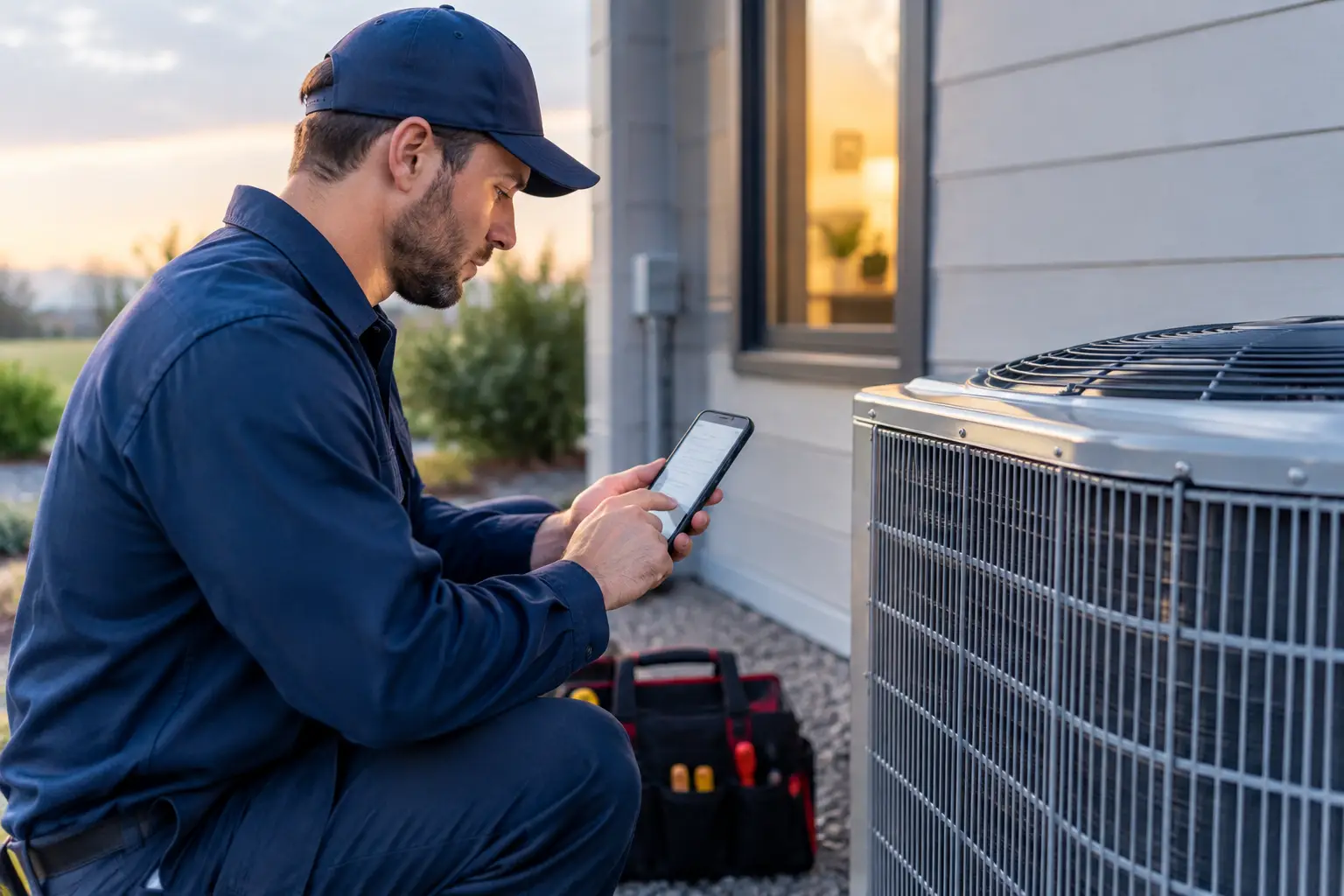
At 9:47 p.m., a homeowner with no heat is not researching your office hours. They are calling the first HVAC company that answers. HVAC after hours scheduling determines whether that call becomes a booked diagnostic, an emergency dispatch, or a voicemail your competitor never has to fight for.
For a one-to-five-truck HVAC business, the goal is not to have someone roll a truck for every late-night call. The goal is to respond immediately, separate urgent issues from routine requests, protect the on-call technician, and give serious customers a clear next step. Done well, after-hours coverage turns expensive marketing leads into jobs without making the owner the full-time night dispatcher.
What HVAC After Hours Scheduling Actually Needs to Do
After-hours scheduling is more than an answering service taking a name and number. A caller with a furnace that will not start, an AC system leaking through a ceiling, or a thermostat issue needs a response that matches the situation.
Your process should capture the caller's name, service address, callback number, equipment issue, and whether there are immediate safety concerns. It should then decide what happens next: book the first available appointment, send an emergency alert to the on-call technician, or provide a clear expectation for a next-business-day callback.
That distinction matters. If every caller can demand an immediate truck dispatch, your team burns out and margins disappear. If every caller goes to voicemail, you lose customers who were ready to hire. The right workflow gives customers a fast answer while keeping the business in control.
Start with clear emergency rules
Your after-hours system needs rules that a receptionist, dispatcher, or automated call handler can follow without guessing. Gas odors, smoke, sparking equipment, a suspected carbon monoxide issue, or a severe water leak require immediate safety guidance and escalation. The caller may need to leave the property, contact emergency services or the gas utility, and avoid operating equipment.
Other calls are urgent but not necessarily dispatch-now emergencies. No heat during freezing weather, no cooling during dangerous heat, or a failed system at a home with an infant or medically vulnerable resident may qualify for on-call review. A loud unit, poor airflow, or a request for maintenance can usually be booked into the next available opening.
Your policies should reflect your actual service area, technician capacity, weather conditions, and pricing. There is no universal emergency threshold. What matters is that the person answering the call can explain the next step accurately and that your technician receives enough detail to act.
Build the Call Flow Before You Add Coverage
Many HVAC businesses buy after-hours call coverage first and figure out the workflow later. That is how calls get collected but not converted. Build the process from the moment the phone rings to the moment the job is confirmed.
First, decide which appointment slots can be booked without approval. You might allow standard diagnostic appointments in the first two openings the next business day, while reserving same-night dispatches for the on-call technician. Keep a limited number of protected slots during peak heating and cooling seasons so an urgent job does not force you to reshuffle an entire day.
Next, set an escalation path. The on-call tech or owner should receive an immediate text or call only when the issue meets your criteria. The alert should include the customer name, address, phone number, problem description, urgency level, and any relevant safety notes. A vague message saying “customer needs HVAC” creates another round of phone tag when time matters.
Finally, confirm every outcome. If the customer is booked, send the appointment window and any basic preparation instructions. If the issue is being reviewed by the on-call technician, tell the customer when to expect contact. If it is a next-day request, send a confirmation that makes it clear their information was received. Silence after a call is where trust drops and customers keep dialing.
The Details That Prevent Bad Dispatches
A good intake conversation does not need to become a full technical diagnosis. It does need enough information to avoid unnecessary trips and prepare the technician for the right job.
Ask whether the system is heating or cooling, whether it is completely down or partially working, and whether the caller sees water, ice, smoke, sparks, or unusual odors. Capture the equipment type if the customer knows it, along with the thermostat setting and any error code. For no-heat calls, knowing whether the home has a gas furnace, heat pump, boiler, or electric system changes the conversation.
Also verify the service address before promising a visit. An after-hours request outside your normal territory may not be profitable, especially if it pulls your technician away from existing customers. Some companies prioritize maintenance-plan members or repeat customers for emergency dispatches. That is a business decision, but it should be stated consistently rather than decided in the middle of the night.
Price expectations belong in the workflow, too. If you charge an after-hours diagnostic fee, tell callers before dispatching. Customers may still book because the problem is urgent, but they should not learn about the fee after the truck arrives. Clear expectations reduce disputes and protect your technician from being put in a difficult conversation at the door.
Why Voicemail Fails During Peak Weather
Voicemail does not create a queue of patient customers. During a heat wave or cold snap, it creates a race. A homeowner may leave messages with three companies, then hire the first one that responds with a real appointment or a clear emergency plan.
The same problem shows up when your team is already buried in calls. A dispatcher can answer only one line at a time. An owner working in an attic or driving between jobs cannot safely answer every ring. Even if you return missed calls later, the lead may already be gone.
That is why immediate response matters more than a perfect first conversation. Customers want to know a real business received their call, understands the basic issue, and can tell them what happens next. A fast answer also makes your marketing spend work harder. There is little value in paying for local search, yard signs, referrals, or service-plan marketing if the highest-intent calls reach voicemail after 5 p.m.
Use Technology Without Giving Up Control
An AI receptionist can handle the repeatable parts of after-hours intake: answer within seconds, collect job details, recognize your emergency rules, book approved calendar slots, and send confirmation texts. It should not replace your judgment about pricing, dispatch radius, or when to wake an on-call technician.
For small HVAC teams, the best setup works behind the phone number customers already know. You should not need new hardware, number porting, or a new app for technicians. Calls can forward from your existing business line, while you retain the ability to change the workflow or turn forwarding off if needed.
Nexara is designed around that practical model: callers receive an immediate response, urgent situations can be escalated to the right person, and routine appointments can be captured on the live calendar. The value is not a flashy AI claim. It is waking up to a qualified job already booked instead of a list of missed calls to chase.
Test Your HVAC After Hours Scheduling Like a Customer
Do not assume the setup works because it looks right in a dashboard. Call your own number after hours and act out the calls your business receives most often. Try a no-heat call, an AC leak, a routine estimate request, an existing customer asking for status, and a true safety concern.
Listen for gaps. Does the caller hear the correct business name? Are they asked for the service address? Does the system promise a time you can actually meet? Does the on-call technician receive a useful alert? Are texts sent from a number customers recognize? These details determine whether the system reduces workload or creates cleanup work the next morning.
Review transcripts and booked jobs each week during the first month. Look for calls that should have been escalated, leads that were not booked because the calendar had no usable slots, and recurring questions that should be added to the call flow. Your schedule and emergency policies will change with the season, so the setup should be easy to adjust.
Make the Night Shift Work for the Business
After-hours coverage should give your customers confidence without turning every evening into a scramble. Set firm emergency rules, reserve the right calendar capacity, collect the details a technician needs, and make sure every caller gets a clear answer before they call the next company.
When the next cold front hits, the goal is simple: the phone gets answered, the urgent calls reach the right person, and the routine jobs are waiting on the calendar when your crew starts the day.