
Emergency Dispatch Software for Service Calls
· 7 min read
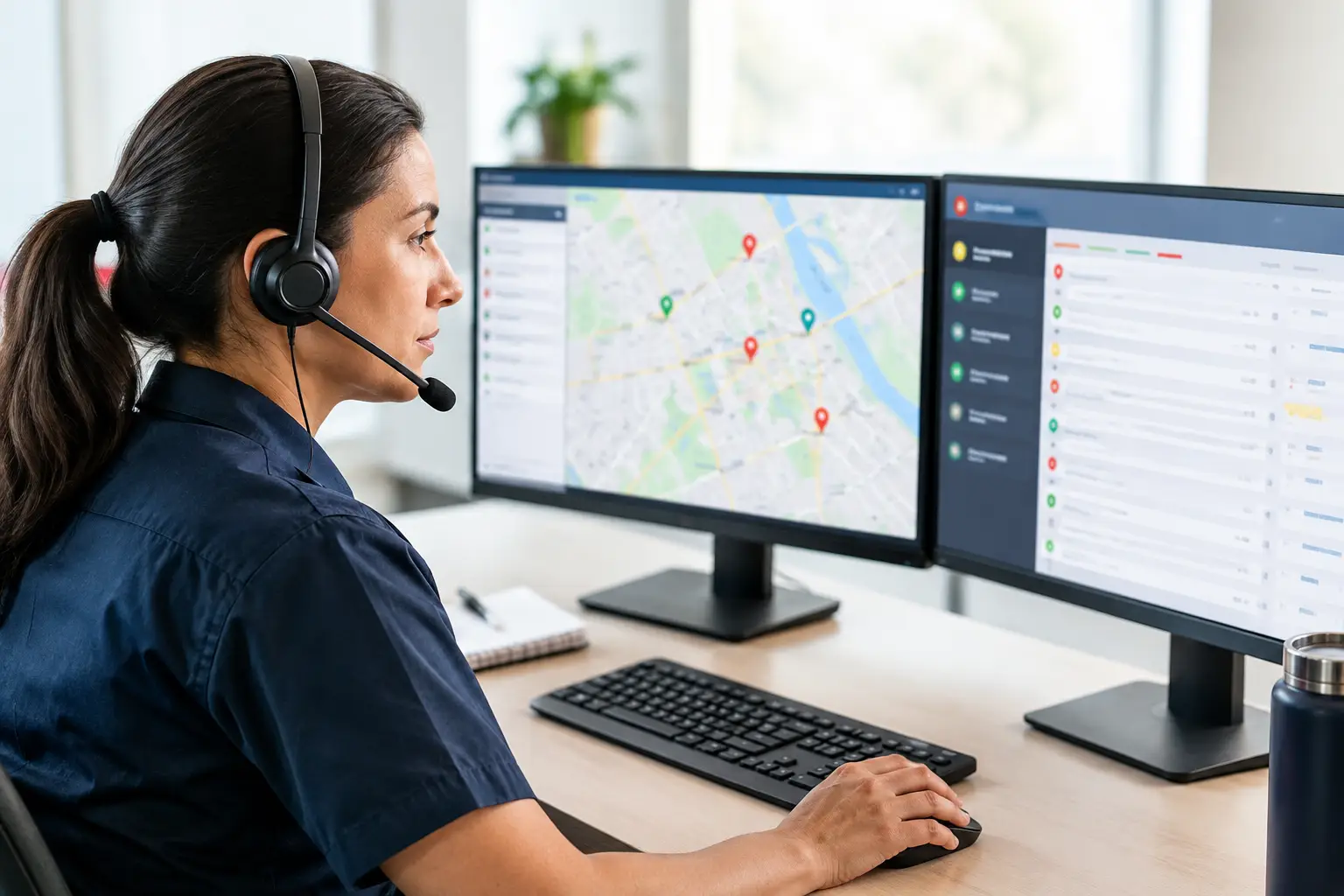
A burst pipe at 11:42 p.m. is not a message to return tomorrow. Neither is a no-heat call during a cold snap, a customer locked out of their house, or storm damage that is actively getting worse. Emergency dispatch software gives a service business a way to answer, qualify, route, and document those calls while the owner or technician is on another job, driving, or asleep.
For small field-service teams, the point is not to build a complicated dispatch center. It is to make sure the right person gets the right emergency information quickly, the customer knows what happens next, and the job does not disappear into voicemail.
What emergency dispatch software should do
Emergency dispatch software is the call-handling workflow that sits between an urgent customer and the person who can take action. It should identify the caller, determine whether the situation is an emergency, collect the details needed to respond, and alert the on-call person without forcing the customer to repeat everything.
That sounds simple until calls arrive in bursts. A plumbing company may get three leak calls after a freeze. An HVAC team may face a surge when temperatures spike. A towing operator may be handling one roadside call when another driver needs help immediately. If every call depends on one person hearing a phone ring, the business has a single point of failure.
A practical system handles five jobs in order: answer the call, identify urgency, collect complete job details, route the emergency, and record the outcome. The order matters. An emergency should not be trapped behind a long intake script, but a technician also should not receive a vague alert that says only, "Call customer back."
For most local service businesses, a useful emergency intake captures the caller's name, callback number, service address, service type, a short description of the problem, and any immediate safety concern. It should also establish whether the customer needs a technician now, can take the next available appointment, or needs a different response based on the business's own policies.
The dispatch workflow that protects urgent jobs
The best workflow starts before the phone rings. Decide what counts as an emergency in your operation, who is on call, how they should be reached, and when an alert must be acknowledged. Those rules do not need to be complicated. They need to be clear enough that a call at 2 a.m. is handled the same way as a call at 2 p.m.
1. Answer immediately and keep the caller engaged
Speed is part of service. A customer with water spreading across a floor is likely calling more than one company. If they hit voicemail, many will move on before you have a chance to call back.
An emergency dispatch workflow should answer quickly, state the business name, and begin gathering information in plain language. The caller should hear that their situation is being handled, not that they have reached a generic call center reading a script.
This is also where multilingual call handling can matter. If a caller cannot explain the issue clearly, the details passed to the technician become less useful. Supporting the languages your market actually speaks can protect jobs that would otherwise be lost at the first conversation.
2. Separate emergencies from standard booking calls
Not every after-hours call requires an immediate dispatch. A customer asking for a next-week water heater estimate needs a good appointment experience, but that is different from an active leak. Treating every call as an emergency burns out on-call staff. Treating a real emergency like a normal booking request sends customers elsewhere.
Your questions should reflect the trade. For a plumbing call, the key distinction might be active water, sewage backup, or no water in a home with vulnerable occupants. For HVAC, it could be no heat during severe weather or a cooling failure at a business that cannot wait. For locksmithing or towing, location and immediate safety may come first.
The goal is not to make a diagnosis over the phone. It is to identify the service priority your business has already defined and send the technician enough context to respond appropriately.
3. Alert the right person with usable details
An alert should contain more than a ringing phone number. The on-call technician or owner needs the customer name, callback number, address, problem summary, and the reason it was marked urgent. If the customer has already been told someone will call shortly, include that expectation too.
This prevents a common failure: a technician calls back without knowing who they are calling, what happened, or whether another team member already spoke with the customer. It also reduces the time spent searching through texts, notes, and missed calls while a customer waits.
Escalation rules should have a backup. If the first person does not acknowledge the alert, the system should notify the next person. A single on-call contact may be enough for a one-truck operation. A larger team may need routing by trade, territory, shift, or job type. The right setup depends on how your business actually covers emergencies, not on how a software demo says dispatch should work.
4. Confirm the next step and preserve the record
Once the emergency is escalated, the caller needs a clear response: someone is reviewing the request, a technician will call, or a visit is being scheduled. Confirmation by text can be especially useful after a late-night call, when customers may be anxious and distracted.
The call record matters later, too. Searchable transcripts and call notes let an owner verify what was promised, review how the emergency was handled, and coach the process when something breaks down. They are also useful when a customer calls back and a different person needs the context immediately.
Where emergency dispatch software fits for small teams
Large operations may need deep field-service management integrations, live fleet visibility, and dedicated dispatch staff. A one-to-five-truck business often needs something more focused: dependable inbound call coverage, urgent-call escalation, appointment booking, and a record of every conversation.
That distinction affects cost and complexity. A system with every possible dispatch feature can be excessive if your main problem is missed calls while your crew is in the field. On the other hand, a basic answering service may be too limited if it cannot distinguish a burst pipe from a routine inquiry, notify the on-call person, or capture job details consistently.
For many service businesses, emergency dispatch begins at the front desk. Nexara, for example, works behind your existing advertised number through call forwarding, so customers continue calling the number they already know. The system can answer around the clock, capture the situation, book standard appointments, and escalate emergency calls without requiring crews to learn a new app or replace their carrier relationship.
Keeping your number matters more than it may seem. Your phone number is on truck wraps, yard signs, local listings, invoices, and years of customer contacts. A call-handling setup should protect that identity, not force a disruptive change just to improve coverage. It should also be easy to reverse if your operating needs change.
Questions to ask before choosing a system
Before evaluating emergency dispatch software, map a recent urgent call from the first ring to the completed job. Where did the process slow down? Did the customer reach a person? Was the address captured correctly? Did the on-call technician get notified? Did anyone confirm the next step?
Then ask vendors to show the actual workflow for your scenarios. Do not settle for broad claims about AI or automation. Ask how a burst pipe is handled after hours, what happens if the first technician does not respond, whether the system can book non-emergency calls on your live calendar, and how you can review the call afterward.
You should also test the setup from the customer's perspective. Call the number after hours. Use a noisy environment. Try a standard booking request and an emergency request. If you serve customers who prefer another language, test that too. The experience should sound like your business and collect information that helps your team, not create more cleanup work the next morning.
Finally, look at implementation. Small teams rarely have time for a long communications project. Call forwarding, clear emergency rules, calendar access, and an on-call contact list are often enough to get started. The best system is one your business will actually use when calls spike, not one that looks impressive in a dashboard.
A customer calling in an emergency is asking one basic question: can you help me now? Your dispatch process should answer that question quickly, give your team control of the next move, and make sure you wake up to a captured job instead of another lost voicemail.